Compress and optimize your JPEG, PNG, WebP and GIF images. This free online tool uses advanced compression algorithms to reduce file sizes while maintaining quality. All processing happens in your browser – your files never leave your device.
Drop Your Files Here
or click to browse · JPG PNG WebP GIF
Before: 0 KB
After: 0 KB (-0%)
This tool runs entirely in your browser – no server uploads required. Add your images and click COMPRESS. The tool automatically analyzes each file and selects optimal compression settings. Once processing is complete, you can save the result immediately or use the comparison view to fine-tune quality with the slider. Each image can be adjusted individually before saving.
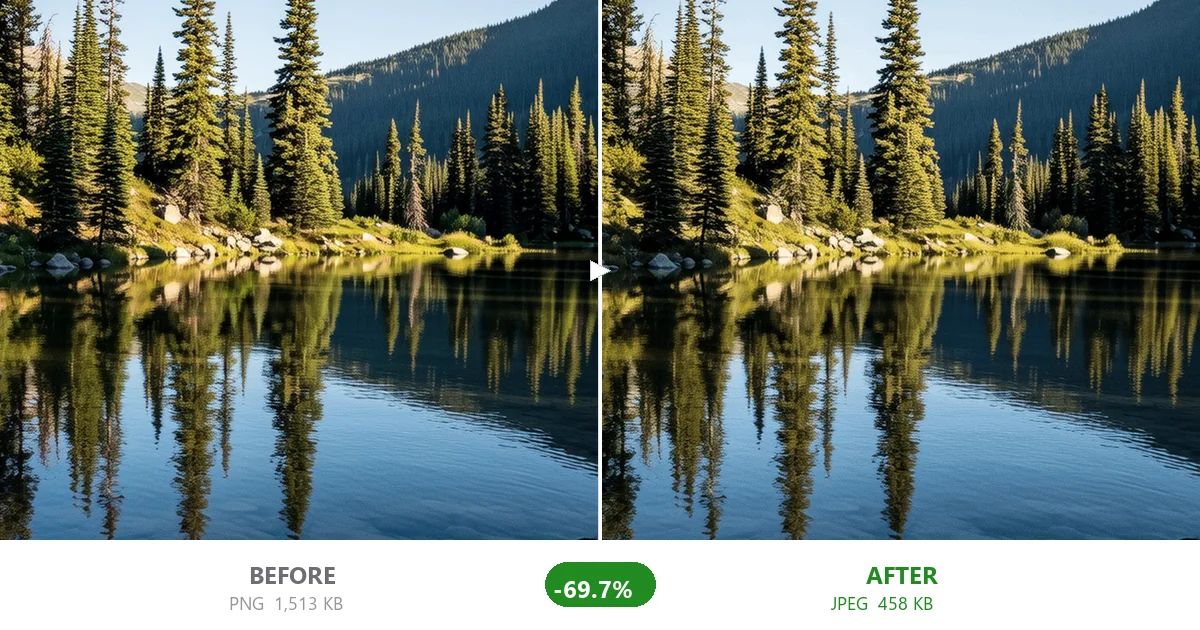
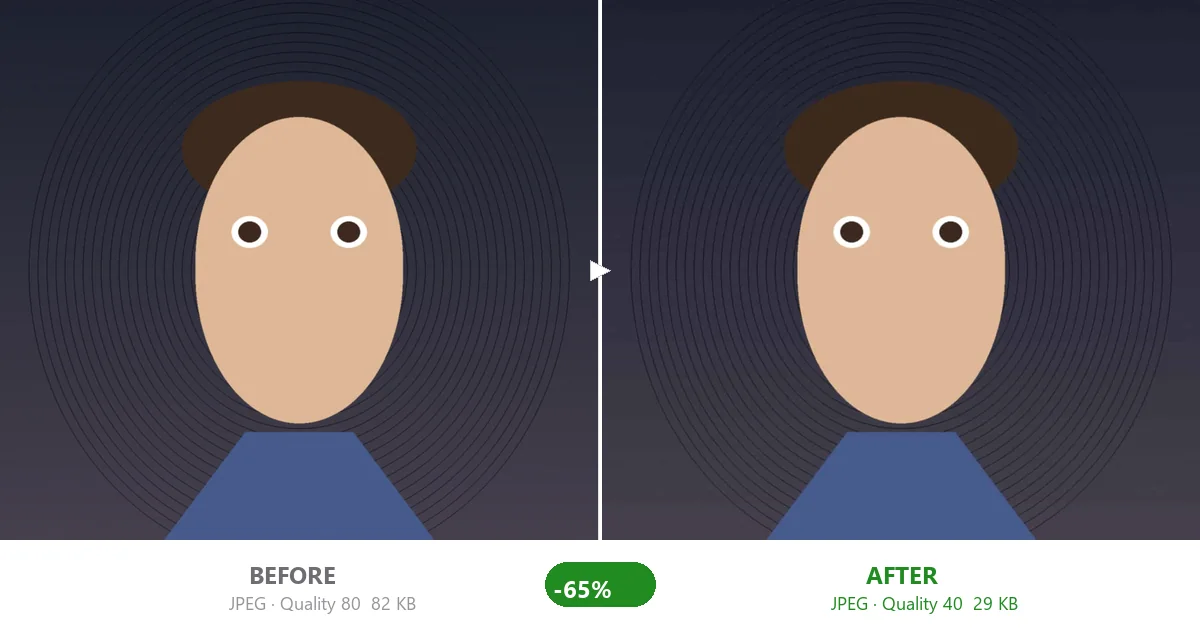
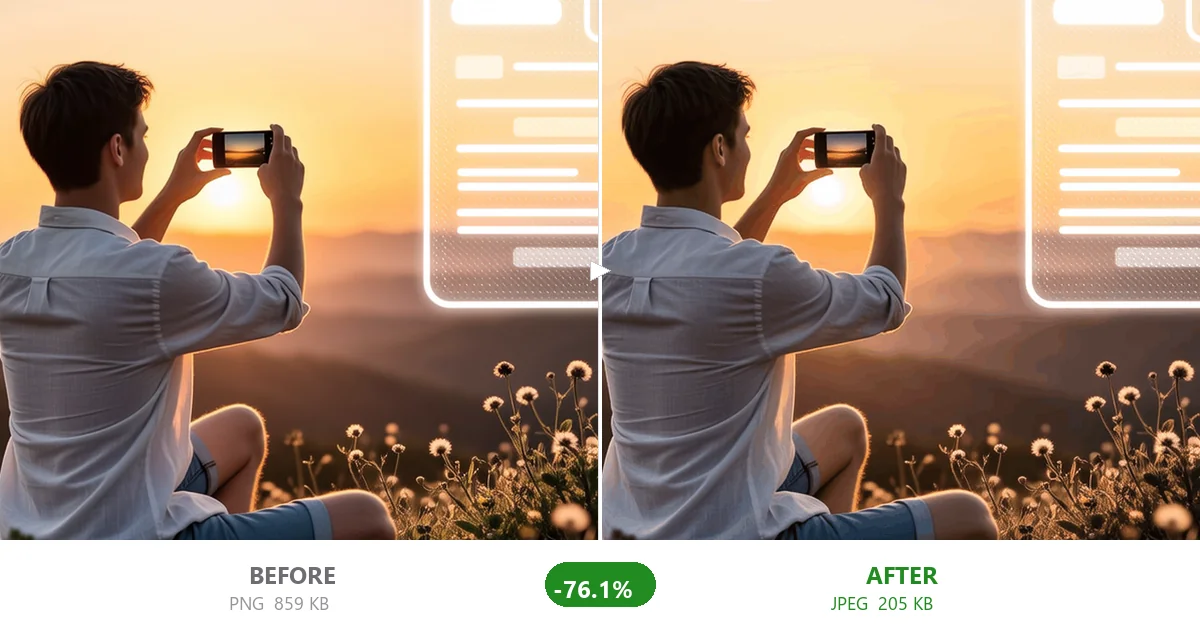
Don't take our word for it. Here are actual compression results using CompactJPG. Each example shows the original file (left) compared to the compressed version (right). The differences are barely visible, but the file size savings are dramatic.
For JPEG files, the tool detects the original quality level from the file's quantization tables. The default target quality is 80, which provides an excellent balance between file size and visual quality. You can use the slider to adjust this – higher values preserve more detail but result in larger files, while lower values create smaller files with more visible compression artifacts.
PNG images are converted to PNG8 format with up to 256 colors using Median Cut quantization. This format is ideal for web graphics, icons, logos, screenshots, and illustrations where color count is limited. Transparency is fully preserved. The Colors slider lets you reduce the palette further for additional compression.
WebP images are compressed using the libwebp encoder. WebP typically achieves 25-35% smaller file sizes than JPEG at equivalent visual quality. The quality slider works the same way as for JPEG.
Static GIFs are converted to WebP for better compression. Animated GIFs are returned as-is for now – animated GIF optimization is coming soon.
All image processing happens entirely in your browser using WebAssembly technology. There are no uploads to any server, no data collection, and no privacy concerns. All metadata (EXIF, GPS, camera info) is automatically removed from compressed images.
Yes, CompactJPG is 100% free. There are no limits on file size, no watermarks, and no registration required. You can compress as many images as you like.
It depends on the quality setting. The default quality is 80, which provides an excellent balance — most people cannot tell the difference visually. You can use the quality slider to find the perfect balance between file size and visual quality.
Absolutely. All processing happens in your browser — your files never leave your device. No data is uploaded to any server, so your images remain completely private.
CompactJPG supports JPEG, PNG, WebP, and GIF formats. JPEG and WebP use adjustable quality compression, PNG is converted to PNG8 with reduced color palettes, and static GIFs are converted to WebP for better compression.
Compression results vary by format and content. JPEG files typically reduce by 40-80%, PNG files can shrink significantly when converted to PNG8, and WebP files can be further optimized. Use the comparison view to see exactly how much you are saving.
